
Watch the animated walkthrough
Original animation and synthetic narration by Hammad's content studio. The video describes a proposed review workflow; it is not a screen recording of the skill pack running.
Get the original collection
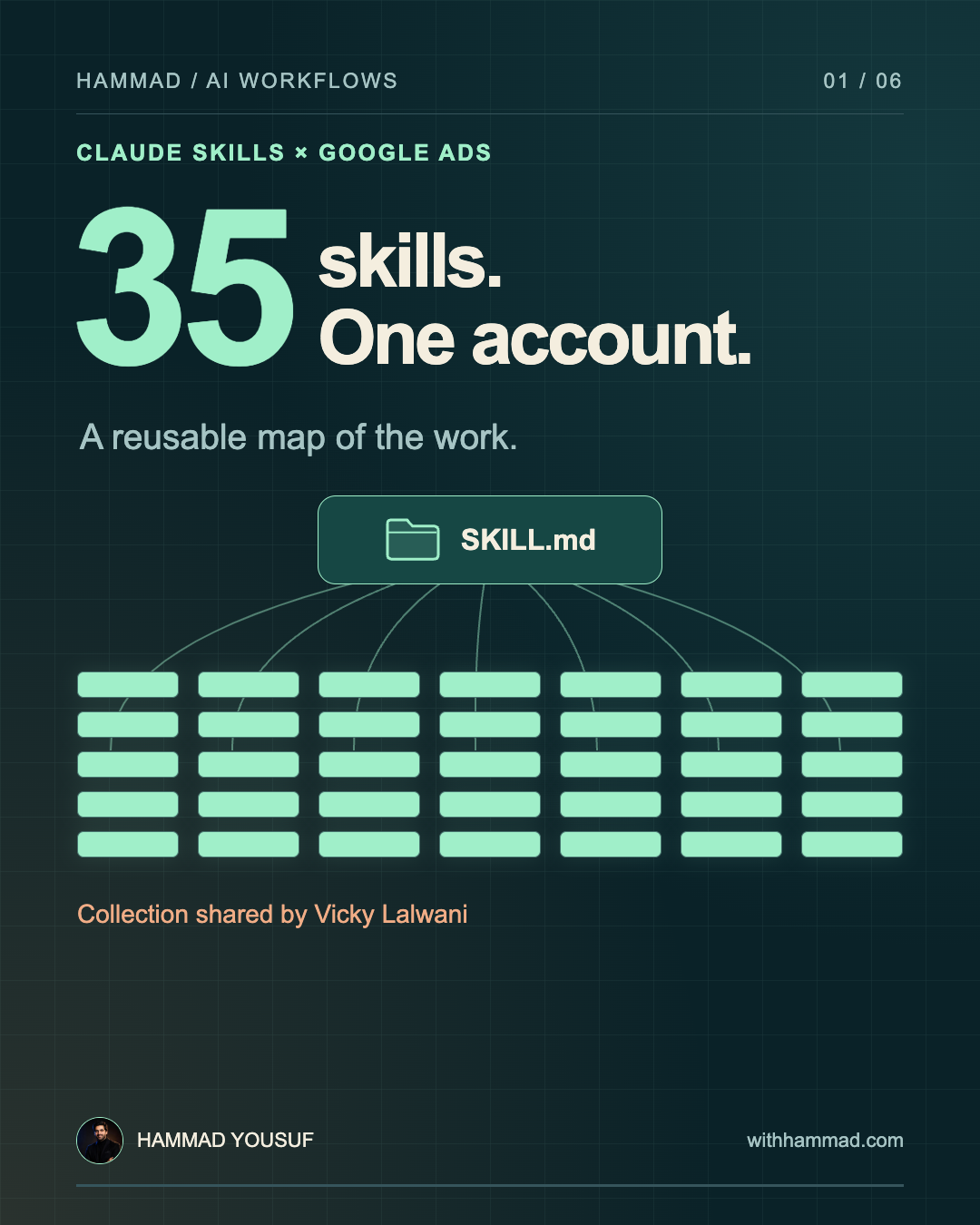
Vicky Lalwani shared the 35-skill list and advertised the collection as free. Visit his profile for the current download instructions and usage terms.
This independent guide includes our visual explanation, sample data and review prompt. The original skill files have not been supplied, installed or evaluated here. They are not redistributed on this page.
Start with three related jobs
- search-term-auditor: organise the queries and identify findings supported by the report.
- negative-keyword-builder: prepare candidate exclusions with reasons, match types and conflict checks.
- wasted-spend-auditor: investigate spend that needs attention, including missing context and measurement issues.
These descriptions explain the intended jobs from the shared list. They are not measured claims about the pack's performance.
Set up a report-based review
- Inspect the chosen skill. Read its instructions, scripts and dependencies before enabling it.
- Install it in Claude. The current web flow is Customize → Skills → + → Create skill → Upload a skill. Upload a ZIP containing the skill folder. Code execution must be enabled; workspace settings can affect access. Check Anthropic's instructions.
- Supply the data. Download a search-terms report from Google Ads with a defined date range and campaign scope. Attach an appropriately permitted export and explain the business, conversion goals, reporting currency and conversion delay.
- Ask for a review memo. Use the prompt below. Require the exact query, supporting metrics, proposed action and unresolved questions.
- Check the output. Verify calculations and proposed match types. Review relevant and converting queries that a negative could affect before applying changes.
A CSV review needs no Google Ads API integration. A live connection has its own setup and permissions. Direct Google Ads API calls require OAuth credentials and a developer token.
Walk through a small example
Assume a repair business that does not sell training courses. The downloadable sample contains three queries, AED 198 in cost and four recorded conversions.
- “free repair course”: investigate an intent mismatch; propose an exclusion only after checking the offer and match type.
- “same-day repair”: zero conversions alone does not establish waste. The query may be relevant, or conversions may arrive later.
- “brand repair service”: four recorded conversions. Check for conflicts before proposing any overlapping negative.
This is an invented example, not a client result or output from Vicky's pack. It cannot establish profitability or expected savings.
Copy the review prompt
This is an original prompt you can adapt independently. Replace the bracketed inputs and attach your report.
Review the attached Google Ads search-terms export. Produce a review memo, not account changes.

Business and offer: [describe what is sold and excluded]
Campaign goals and approved conversions: [define]
Account currency and reporting dates: [define]
Typical conversion delay and attribution window: [define]
Brand terms and protected queries: [list]
Existing negative keywords and match types: [attach if available]

1. Check which columns and date ranges are present. Ask for missing business context. Do not invent conversion tracking health, attribution settings, revenue, or unavailable search terms.
2. Calculate totals from the supplied rows using code. Keep data-derived facts separate from judgments. Note that an export may not contain every query.
3. Group findings into retain, investigate, and possible negative candidates. Explain each decision using the exact query, row identifier, metrics, and business relevance.
4. Do not equate zero conversions with wasted spend. Check the reporting window, sample size, conversion delay, tracking quality, and intent. Flag missing evidence.
5. For each possible negative, propose a match type and scope. Check conflicts with protected terms, converting queries, and relevant offers. Give the reviewer a reason to accept or reject it.
6. Return: data checks; an evidence table; proposed actions; unresolved questions; and a review checklist. Do not promise savings or modify the account.

If an installed skill is used, identify its name and version. If it is unavailable, say so and perform only the review described here.
The 35 names in the shared list
Grouped as in the creator's reference. Select a task that fits your account; the names do not establish which approaches suit every campaign.
Campaign build · 6
campaign-architectskag-builderrsa-writerpmax-builderaudience-builderbudget-allocator
Keywords & targeting · 5
keyword-minernegative-keyword-buildersearch-term-auditormatch-type-optimizercompetitor-keyword-gap
Ad copy & assets · 5
ad-copy-generatorheadline-testerad-extension-builderrsa-strength-graderdisplay-ad-writer
Landing pages · 4
landing-page-briefmessage-match-checkerlp-cro-auditorform-optimizer
Performance · 7
wasted-spend-auditorbid-strategy-advisorquality-score-fixerctr-optimizerconversion-tracker-qadayparting-analyzerdevice-bid-optimizer
Analysis & reporting · 5
account-auditorperformance-reporterroas-analyzerattribution-mapperanomaly-detector
Shopping & PMax · 3
shopping-feed-optimizerpmax-asset-graderauction-insights-analyzer
Check the workflow before repeating it
- Run a known-good case, a missing-data case and a protected-query conflict.
- Confirm every finding can be traced to an input row.
- Reconcile cost and conversion totals against the file; explain filters and omissions.
- Check that unsupported claims and missing context are clearly identified.
- Record the model, skill version, inputs and reviewer decision so you can repeat the comparison after changes.
A reusable instruction file can improve consistency. Model outputs and external data can still change, so periodic checks remain part of the workflow.
Download the working materials
Original review prompt ↓Synthetic three-row report ↓Full guide and skill-name map ↓Workflow poster ↓Sources and research notes
Sources checked on 4 October 2026. Anthropic introduced Agent Skills on 16 October 2025, so this guide avoids presenting the original launch as recent news.