
What to inspect
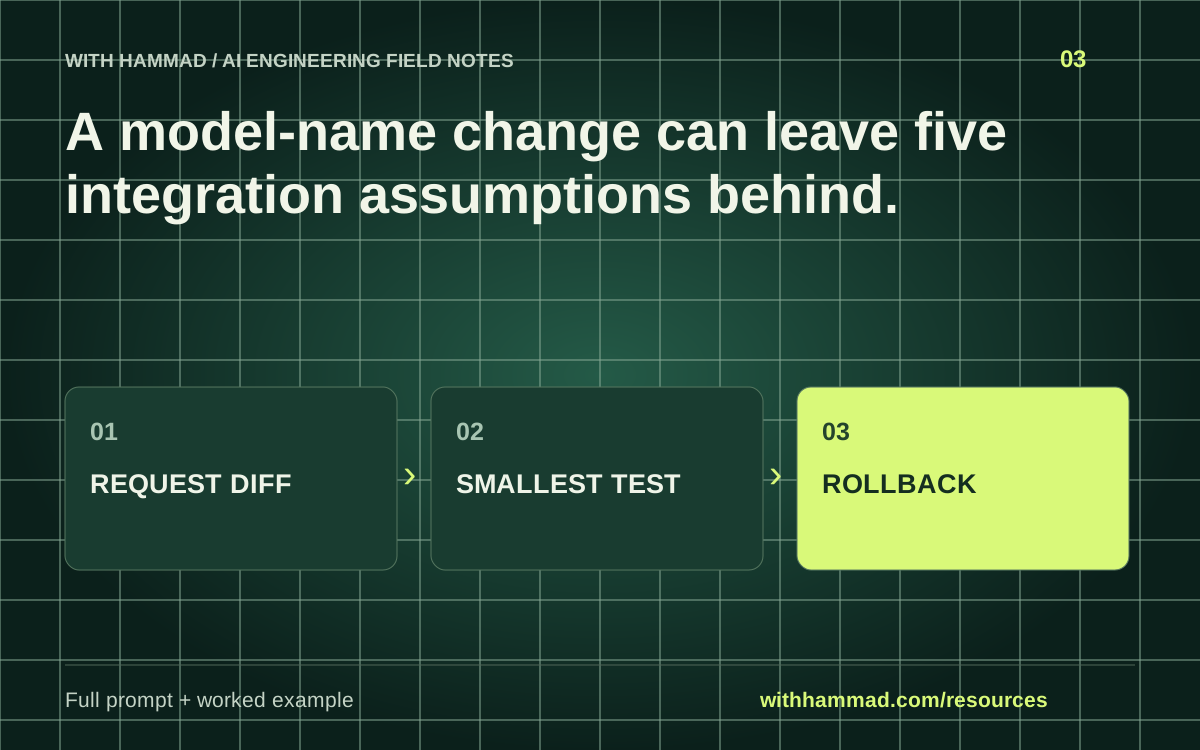
Check the request parameters, response shape, tool loop, output validation and error handling when moving between model versions. Start with a minimal supported request. Add optional behavior one change at a time so a failure has an identifiable cause.
Worked example
A migration worksheet can pair each old parameter with its documented replacement, removal or unchanged status. “Unknown” is a valid review result. Do not preserve an old setting simply because the new request still reaches the server.
Copy the full prompt
Adapt the inputs to your task. Remove private data before sending anything to a model. This page copies text locally; it does not run the prompt.
Review this migration from [OLD MODEL/API/SDK] to [NEW MODEL/API/SDK]. Inputs: [CURRENT REQUEST], [CURRENT RESPONSE HANDLER], [OFFICIAL MIGRATION GUIDE]. Produce a diff table for request parameters, response parsing, tools, structured output and errors. Cite the supplied guide for each provider-specific change. Mark unsupported assumptions as unknown. Propose the smallest regression test for every changed behavior.
Review checklist
- Record exact old and new model and SDK versions.
- Run one minimal supported request.
- Add tools and output constraints incrementally.
- Keep a tested rollback path.
Keep the resource
Download the complete note ↓Markdown · explanation, example, prompt and checklistDownload the prompt ↓Plain text · ready to adaptOpen the full-size visual ↓SVG · scalable reference diagramDocumentation & scope
Anthropic: migration guide; verify your target version ↗
This is an original workflow template with an illustrative example. It does not report completed model tests or measured performance. Provider APIs can change; check the linked documentation for your exact integration.