
What to inspect
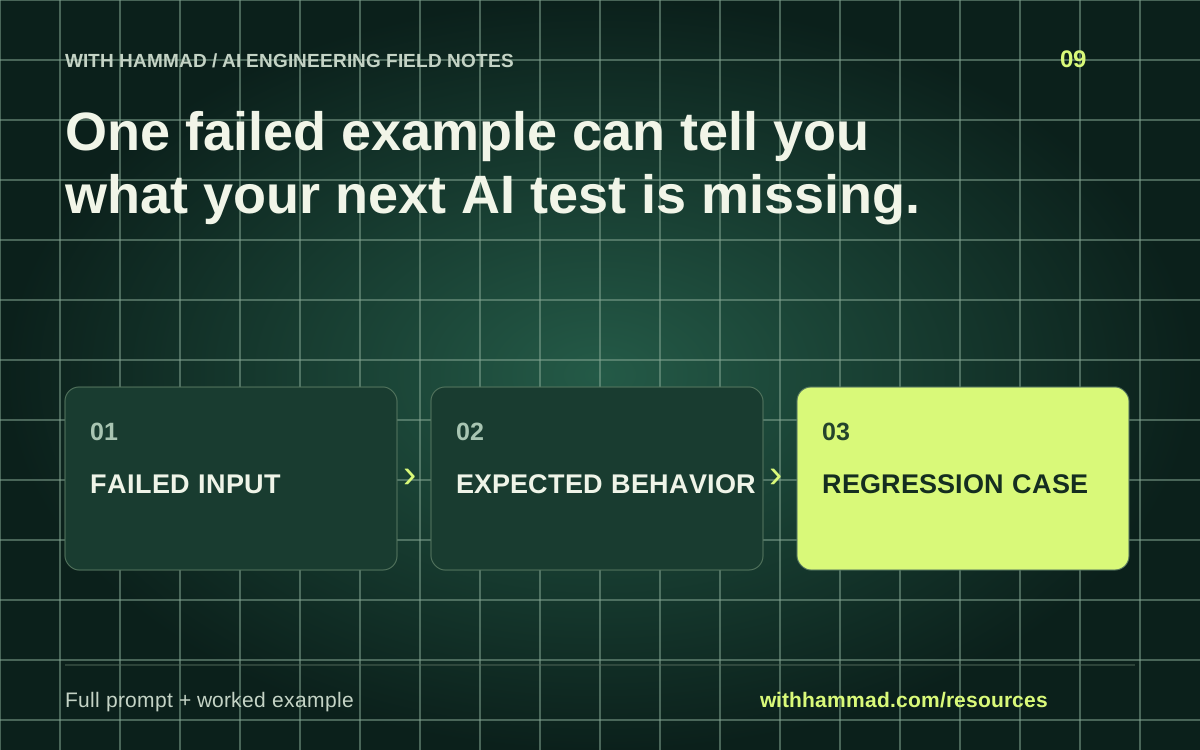
Preserve the input, observed failure and expected behavior before editing the prompt. Add a neighboring case that should still succeed so the fix is not narrowly fitted to one example. Keep the original failure in future regression runs.
Worked example
Synthetic failure: an assistant returns a confident policy answer when the source is absent. A regression case should expect an explicit limitation. A nearby control case supplies the policy and expects a supported answer.
Copy the full prompt
Adapt the inputs to your task. Remove private data before sending anything to a model. This page copies text locally; it does not run the prompt.
Convert [FAILURE REPORT] into an evaluation case. Record input, relevant context, observed output, expected behavior and a grading rule. Add one nearby case that should still pass and one ambiguous case that should be escalated. Do not fabricate a measured success rate. Explain which assertion can be automated and which requires review.
Review checklist
- Preserve the failure before changing the prompt.
- Write expected behavior in observable terms.
- Add a nearby successful control case.
- Keep holdout cases outside prompt tuning.
Keep the resource
Download the complete note ↓Markdown · explanation, example, prompt and checklistDownload the prompt ↓Plain text · ready to adaptOpen the full-size visual ↓SVG · scalable reference diagramDocumentation & scope
OpenAI: evaluation best practices ↗
This is an original workflow template with an illustrative example. It does not report completed model tests or measured performance. Provider APIs can change; check the linked documentation for your exact integration.