
What to inspect
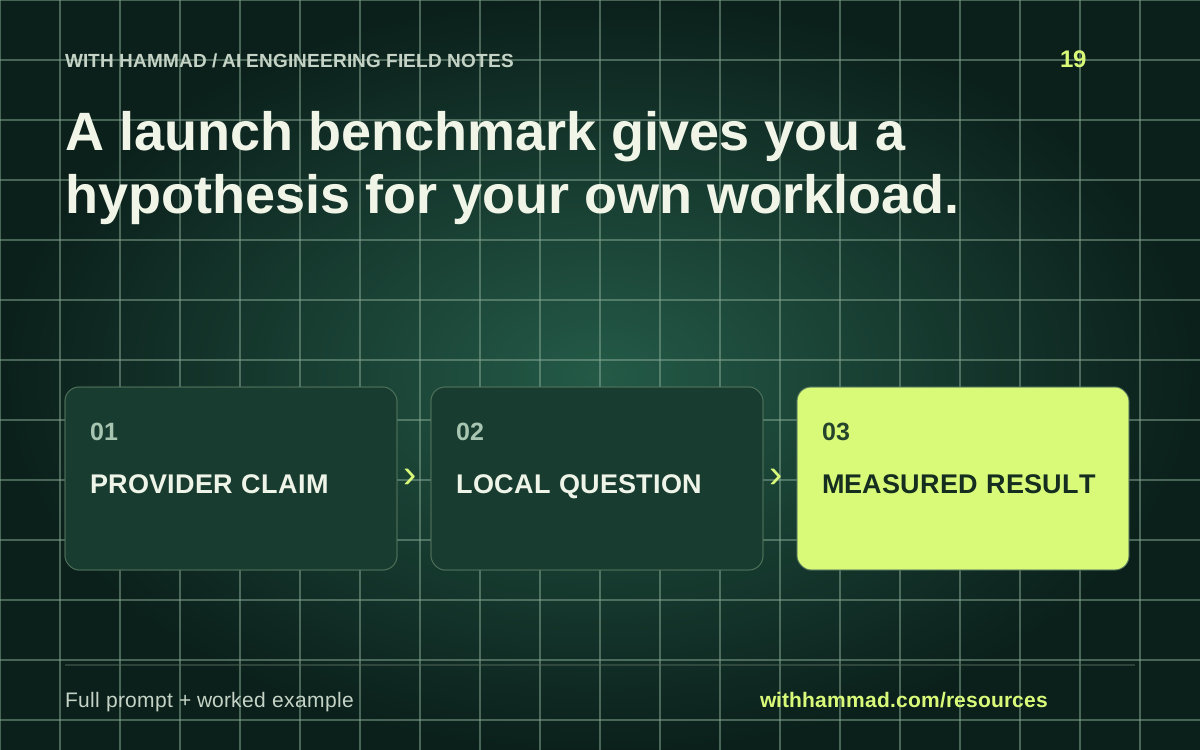
Separate the provider claim from the application question it raises. Preserve the release date and model version, then define one bounded trial on your workload. Do not turn a vendor comparison into your own measured result.
Worked example
A release claims lower task cost. A useful trial measures all attempts, tool usage and acceptance on your own fixed set. Until those runs exist, the worksheet should show a proposed test and unknown results.
Copy the full prompt
Adapt the inputs to your task. Remove private data before sending anything to a model. This page copies text locally; it does not run the prompt.
Review [OFFICIAL RELEASE] for [WORKLOAD]. Extract dated provider claims with source URLs. Convert each relevant claim into a testable application question. Define a fixed dataset, baseline, acceptance rule, run count and measurements. Keep result cells blank until measured. Flag claims that the available setup cannot test fairly.
Review checklist
- Record release date, source and exact model.
- Keep vendor claims separate from observations.
- Use the same task and acceptance criteria.
- Publish the method and limits alongside any result.
Keep the resource
Download the complete note ↓Markdown · explanation, example, prompt and checklistDownload the prompt ↓Plain text · ready to adaptOpen the full-size visual ↓SVG · scalable reference diagramDocumentation & scope
OpenAI: evaluation best practices ↗
This is an original workflow template with an illustrative example. It does not report completed model tests or measured performance. Provider APIs can change; check the linked documentation for your exact integration.