
What to inspect
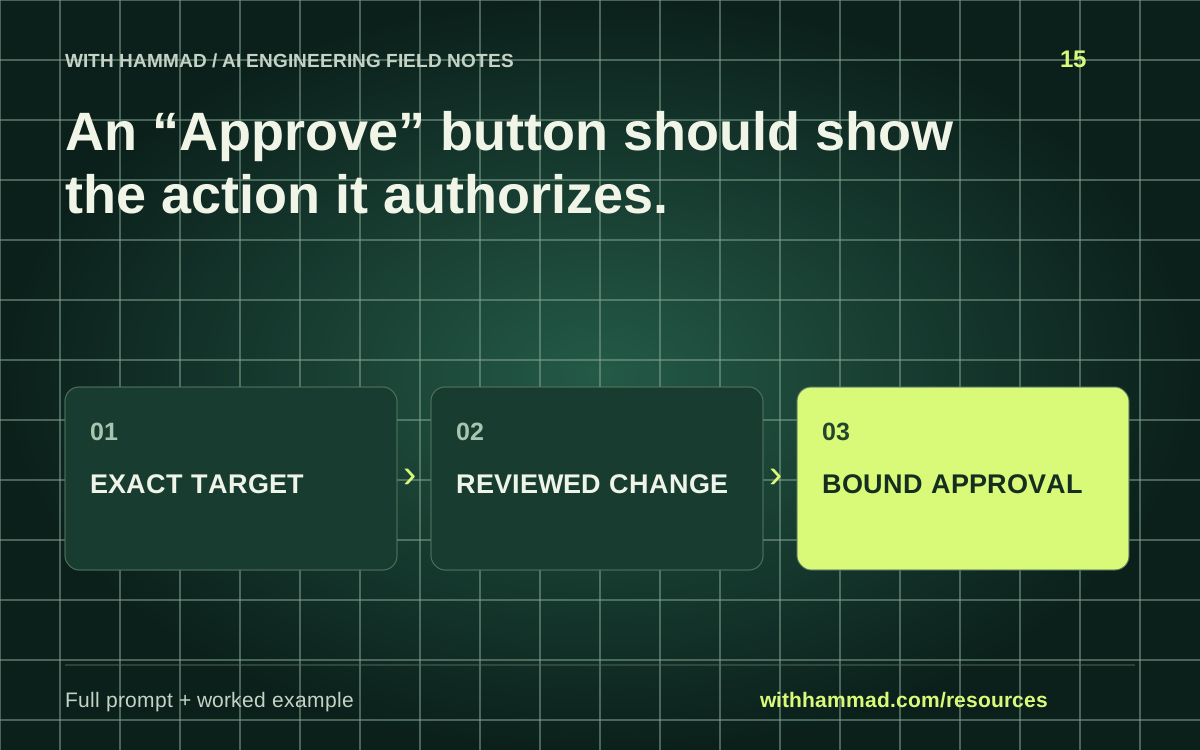
Bind approval to a specific proposed action. Show the target, the old and new values, expected effect and expiry where applicable. If the action changes after review, require another decision rather than silently reusing approval.
Worked example
A support-note update preview identifies customer C-104 and shows the proposed text. If the agent later switches to billing_email or a different customer, the original approval no longer describes that action.
Copy the full prompt
Adapt the inputs to your task. Remove private data before sending anything to a model. This page copies text locally; it does not run the prompt.
Design an approval preview for [ACTION]. Include authenticated requester, exact target, proposed field changes, old/new values, expected external effect, expiry and a stable identifier or digest for the reviewed payload. Describe what invalidates the approval. Treat this as a UI and server contract; a button click must not authorize a different later payload.
Review checklist
- Show the exact target and field changes.
- Bind approval to the reviewed payload.
- Invalidate approval when relevant inputs change.
- Verify permission again at execution.
Keep the resource
Download the complete note ↓Markdown · explanation, example, prompt and checklistDownload the prompt ↓Plain text · ready to adaptOpen the full-size visual ↓SVG · scalable reference diagramDocumentation & scope
OpenAI: safety in building agents ↗
This is an original workflow template with an illustrative example. It does not report completed model tests or measured performance. Provider APIs can change; check the linked documentation for your exact integration.