FREE RESOURCE · FROM THE "BRIEF" REEL
The Claude Motion prompt: one brief, 8 parts, rewrite only the scene
By Hammad Yousuf · 27 October 2026
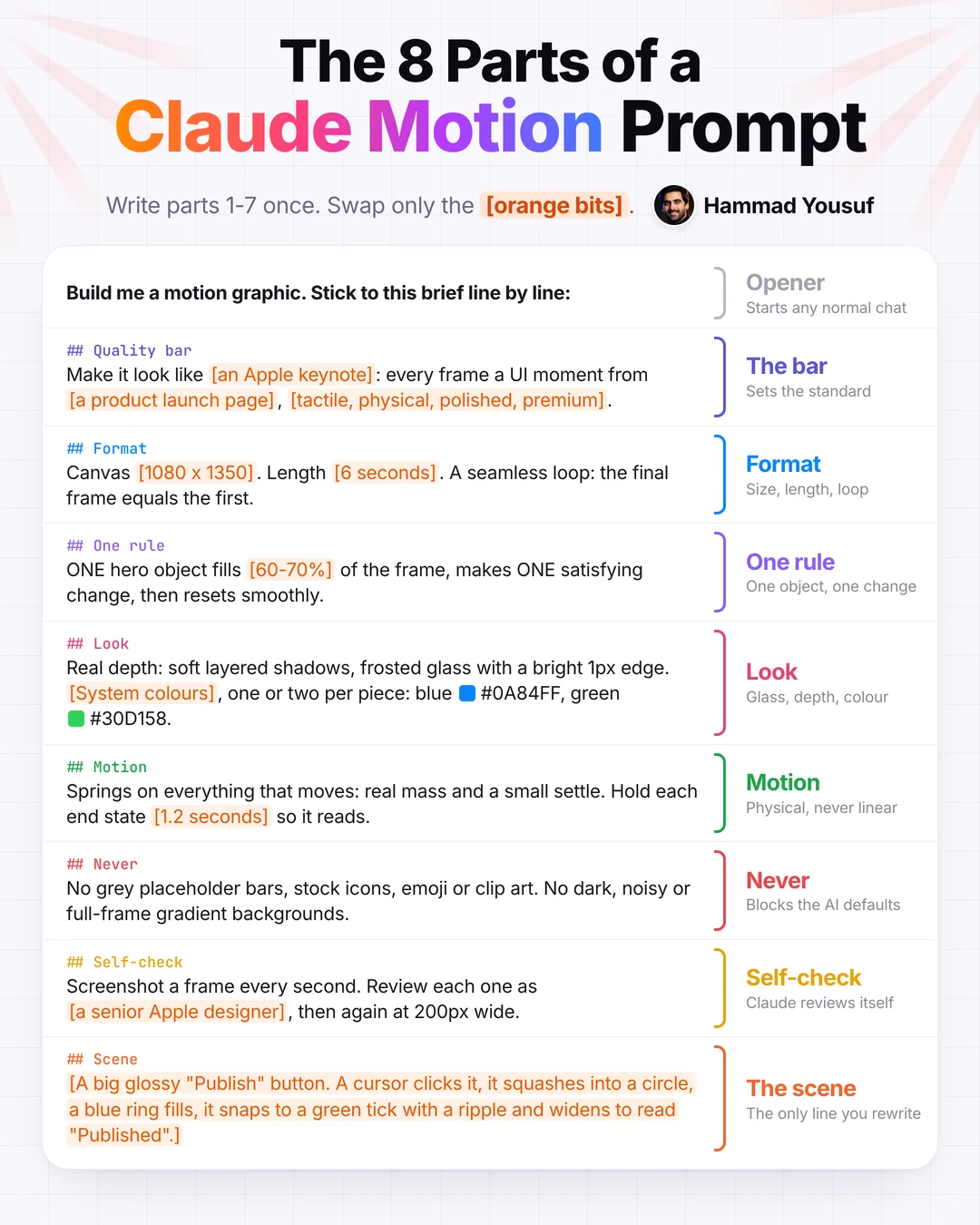
One reusable brief: an opener plus 8 parts. Parts 1-7 (bar, format, one rule, look, motion, never, self-check) are written once. Each new animation only needs part 8: one object, one change, in one line. Claude Motion is a Team/Enterprise beta; the same brief builds one HTML file in Claude Code.
What Claude Motion is and who has it
Claude Motion is in beta on Team and Enterprise plans: on by default for Team, and off on Enterprise until an owner turns it on. Start it in any chat by asking for an animation, or select Output in the message box and choose Motion; or pick a Motion template in the Artifacts tab.
Each animation is code built from the Motion template. It plays like a short video, and you can edit details in chat or in the editor. To export, click Export and choose MP4. Animations start private and can be shared. They count toward your plan's usage limits; longer or more complex ones use more.
Anthropic's guide: Get started with Claude Motion (Help Center). Not on Team or Enterprise? Use the same brief in Claude Code.
The 8 parts and what each does
An opener, then 8 parts, each under its own ## heading. Parts 1 to 7 are written once. Part 8, the scene, is the only line you rewrite.
| Part | Heading in the brief | What it does |
|---|---|---|
| – | Opener | Starts any normal chat |
| 01 | ## Quality barThe bar | Sets the standard |
| 02 | ## Format | Size, length, loop |
| 03 | ## One rule | One object, one change |
| 04 | ## Look | Glass, depth, colour |
| 05 | ## Motion | Physical, never linear |
| 06 | ## Never | Blocks the AI defaults |
| 07 | ## Self-check | Claude reviews itself |
| 08 | ## SceneThe scene | The only line you rewrite |
The full brief to copy
One block, opener included. The parts in [square brackets] are the orange bits: swap them for your size, length, colours and scene.
Build me a motion graphic. Stick to this brief line by line:

## Quality bar
Make it look like [an Apple keynote]: every frame a UI moment from [a product launch page], [tactile, physical, polished, premium].

## Format
Canvas [1080 x 1350]. Length [6 seconds]. A seamless loop: the final frame equals the first.

## One rule
ONE hero object fills [60-70%] of the frame, makes ONE satisfying change, then resets smoothly.

## Look
Real depth: soft layered shadows, frosted glass with a bright 1px edge. [System colours], one or two per piece: blue #0A84FF, green #30D158.

## Motion
Springs on everything that moves: real mass and a small settle. Hold each end state [1.2 seconds] so it reads.

## Never
No grey placeholder bars, stock icons, emoji or clip art. No dark, noisy or full-frame gradient backgrounds.

## Self-check
Screenshot a frame every second. Review each one as [a senior Apple designer], then again at 200px wide.

## Scene
[A big glossy "Publish" button. A cursor clicks it, it squashes into a circle, a blue ring fills, it snaps to a green tick with a ripple and widens to read "Published".]
The 7 steps
Set it up once
- Open a new chat on claude.ai and pick Output, then Motion.
- Paste the brief.
- Swap the orange bits: size, length, colours.
Then for every animation
- Write the scene in one line: one object, one change.
- Send it and let Claude build it.
- Preview it and ask for small fixes in the chat.
- Click Export and choose MP4.
No Claude Motion? Use the same brief in Claude Code
Claude Code reads files and writes code into a project, so the same brief can be built as one HTML file. Paste the full brief above into Claude Code and add this line:
Build it as one HTML file with window.seek(seconds)That is how the Publish button in the reel was built. For a brand's own look instead of Apple's, see Claude motion graphics: the style file, the brief and 16 scene lines.
Official links
Sources checked
- Claude Motion is in beta on Team and Enterprise plans (on by default for Team; off on Enterprise until an owner turns it on). Source ↗
- Start it in any chat by asking for an animation, or select Output in the message box and choose Motion; or pick a Motion template in the Artifacts tab. Source ↗
- Each animation is code built from the Motion template; it plays like a short video, and you can edit details in chat or in the editor. Source ↗
- Export: click Export and choose MP4; animations start private and can be shared. Source ↗
- Animations count toward the plan's usage limits; longer or more complex ones use more. Source ↗
- Claude Code reads files and writes code into a project, so the same brief can be built as one HTML file. Source ↗
About the video: the reel has no presenter and no voice. Claude wrote the animation code, and the small byline photo is an AI avatar of Hammad Yousuf.